
Product / Manage Rentals / Inventory Management
RENTAL INVENTORY, NOT A GENERIC PRODUCT LIST
Manage every rental item from one inventory.
Track rental assets, quantities, serials, condition and availability so your team knows what can be rented and what needs attention.
✓ Public product page✓ Mobile ready✓ Connected to the real rental flow
INVENTORY
+ Add assetRental assets
AssetStatusNext booking
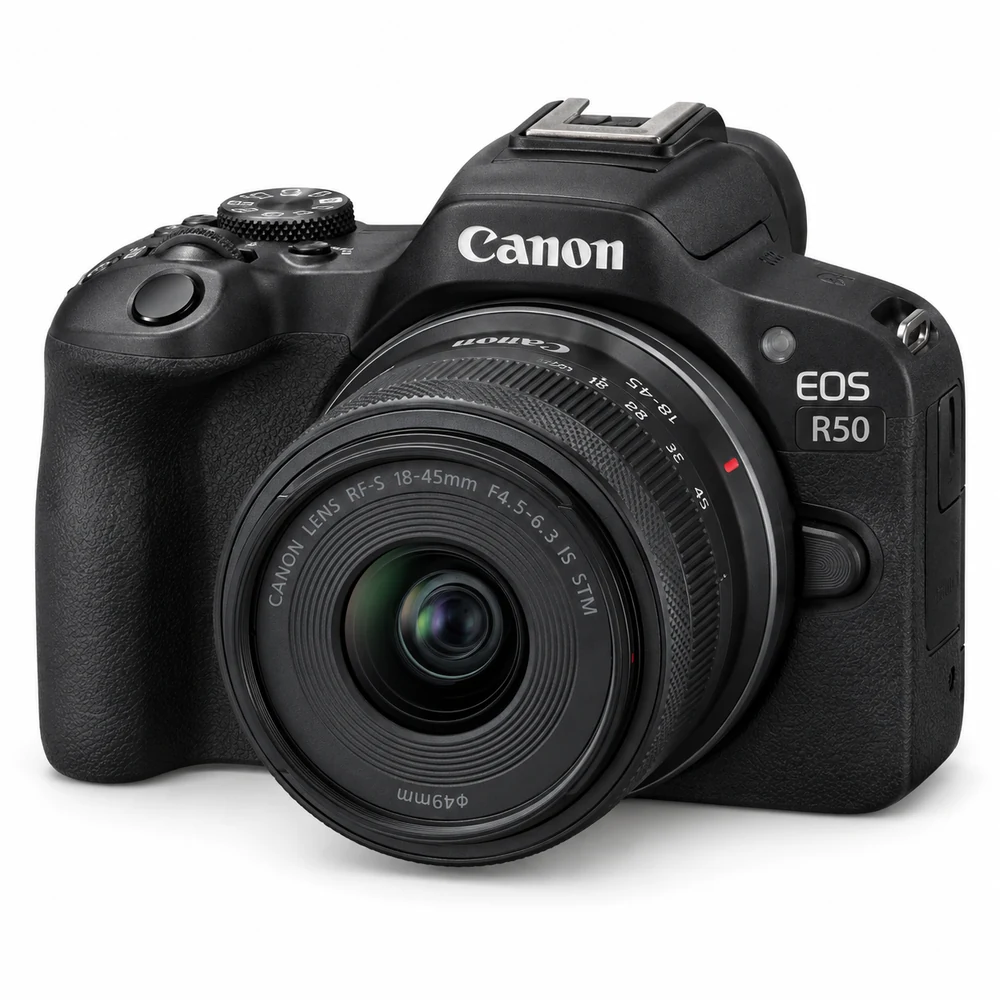 Canon EOS R50CAM-001AvailableOct 16
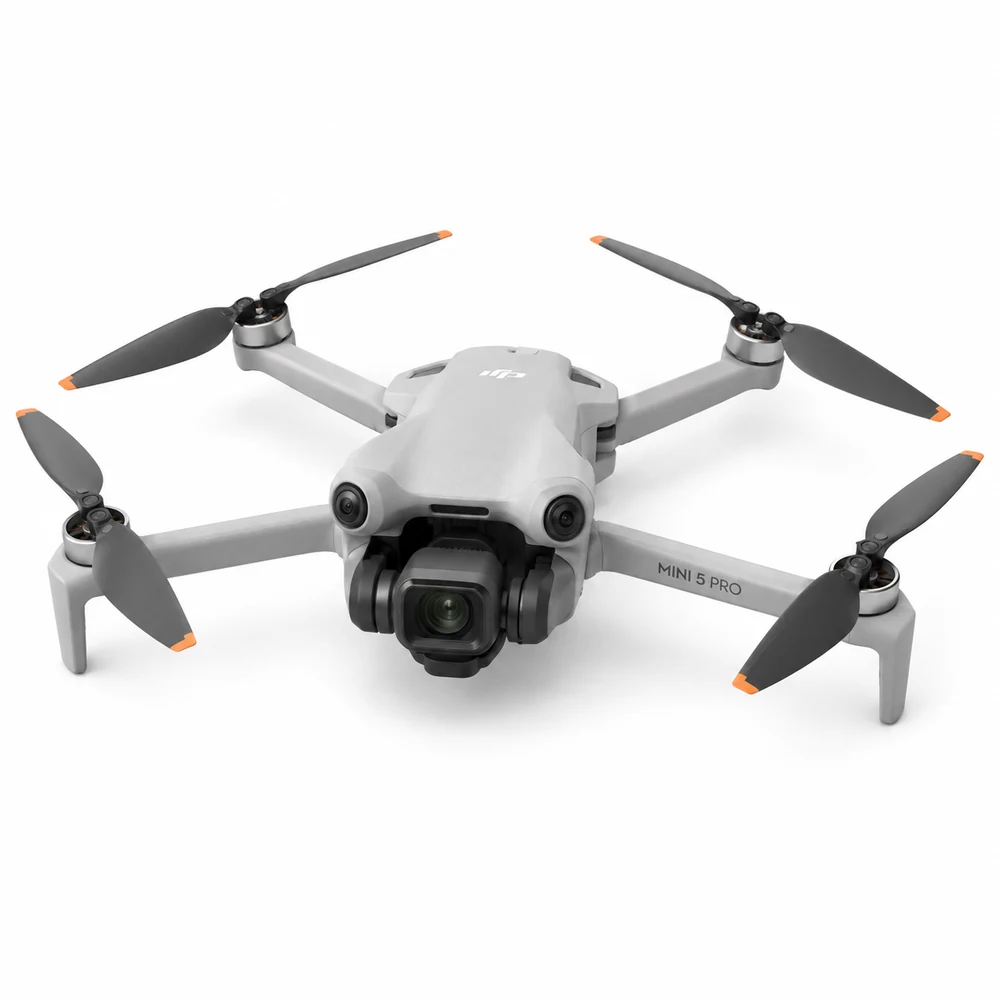 DJI Mini 5 ProDRN-005RentedReturns today
 Hollyland Lark M2AUD-014InspectOct 19

✓Connected workflowCustomer, rental and next step stay together.
BUILT AROUND THE RENTAL JOURNEY
Know what you own and what state it is in
UPRNTLS keeps each rental item connected to its availability, serial or quantity, condition and current booking status.
- ✓Serialized or quantity-based inventory
- ✓Availability and current rental status
- ✓Condition and maintenance context
- ✓Rates, categories and customer-facing details
ONE CONNECTED RECORD
Inventory changes follow the rental lifecycle
When an item is reserved, released, returned or flagged for inspection, the operational status stays connected to the booking.
1Add rental inventoryCapture the right details
2Reserve on a bookingKeep the record connected
3Release to renterMake the next action visible
4Return and inspectFinish with a complete history

DESIGNED TO WORK WITH THE REST OF UPRNTLS
One feature should not become another disconnected tool.
Inventory Management stays connected to the booking, customer, inventory and financial records around it.
READY TO RUN RENTALS IN ONE PLACE?
Build the workflow your rental business actually needs.
Start with your rental category, publish the customer experience and keep bookings, inventory, payments and handovers connected.