
Product / Manage Rentals / Inspections & Damage
CONDITION EVIDENCE THAT STAYS ATTACHED
Document condition before and after every rental.
Record release condition, return checks, photos, incidents and charges so damage decisions have a clear operational trail.
✓ Public product page✓ Mobile ready✓ Connected to the real rental flow
RETURN INSPECTION
In reviewCanon EOS R50 · CAM-001
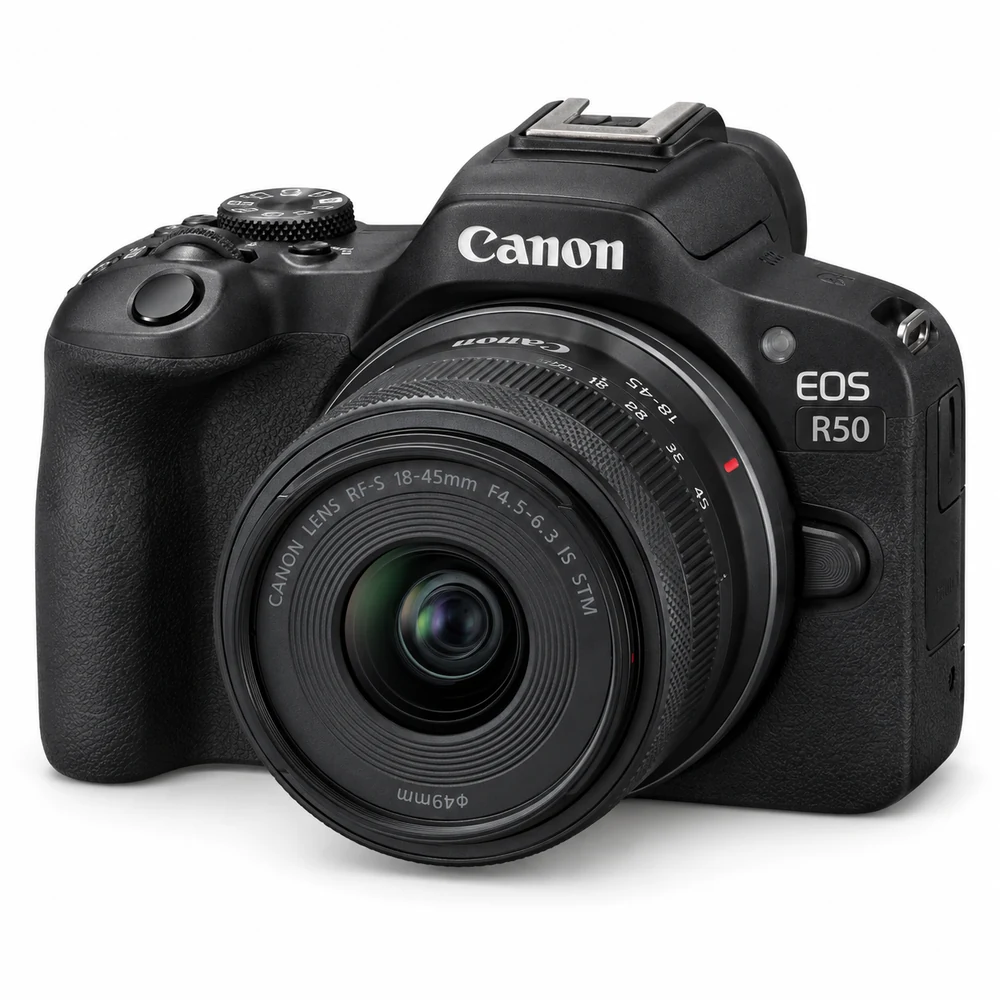 Return photo
One issue needs a decisionDocument, charge or send to maintenance.
Review issue
✓Connected workflowCustomer, rental and next step stay together.
BUILT AROUND THE RENTAL JOURNEY
Inspect the rental before it leaves and when it comes back
Condition notes and evidence stay connected to the item, customer and booking instead of disappearing into chat threads.
- ✓Pre-release and return checklists
- ✓Condition notes and photo evidence
- ✓Damage and incident records
- ✓Charges connected to the same rental
ONE CONNECTED RECORD
Turn inspection findings into follow-up actions
A returned asset can be cleared, sent to maintenance or held for a damage review without losing the booking context.
1Capture release conditionCapture the right details
2Complete return inspectionKeep the record connected
3Record any issueMake the next action visible
4Clear, charge or maintain the assetFinish with a complete history

DESIGNED TO WORK WITH THE REST OF UPRNTLS
One feature should not become another disconnected tool.
Inspections & Damage stays connected to the booking, customer, inventory and financial records around it.
READY TO RUN RENTALS IN ONE PLACE?
Build the workflow your rental business actually needs.
Start with your rental category, publish the customer experience and keep bookings, inventory, payments and handovers connected.